Understanding AI image generation in plain language
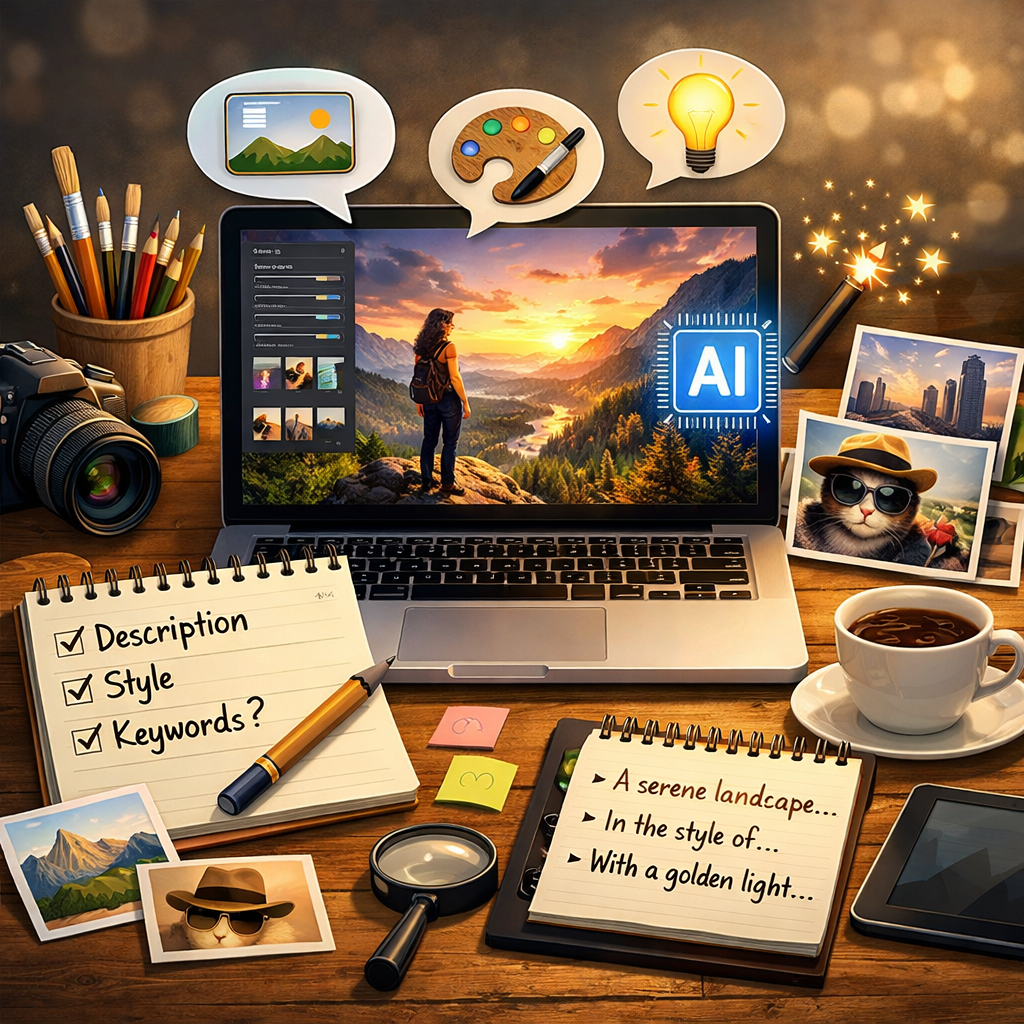
AI image generation turns text prompts into images by using machine learning models trained on large collections of visual patterns. Instead of searching the web for a matching picture, the system creates a new image by predicting what pixels, shapes, and textures should appear to match the words a user provides. When someone types a prompt like “a cozy reading room with warm light,” the model uses learned relationships between concepts such as “room,” “light,” “wood,” and “cozy” to build a scene that fits. Many generators also support additional inputs, such as a reference image or a preferred style, which guide the final look. The result is not a copy of a single source image, but a new composition assembled from the model’s understanding of visual features. On a site like imageaifree.com, this helps users quickly explore ideas for marketing creatives, social media graphics, concept art, product mockups, or personal projects. AI image generation can save time at the early stages of design by producing multiple variations, letting users choose a direction before investing effort in detailed editing. It also makes image creation more accessible for people who do not use complex design software, since prompts can be written in normal language and refined step by step.
Writing better prompts for more consistent results
Prompt quality strongly affects image quality. A useful prompt usually includes the subject, the environment, the style, and any important details. “A golden retriever puppy” is a start, but “a golden retriever puppy sitting on a wooden porch, soft morning light, shallow depth of field, natural colors” gives the model clearer guidance. Style words can help, but they work best when they are specific and consistent, such as “minimalist flat illustration,” “cinematic lighting,” or “watercolor texture.” If the site supports negative prompts, they can reduce unwanted artifacts by stating what to avoid, such as “blurry” or “extra fingers,” though results vary depending on the model. Iteration is normal: small changes like swapping “sunset” for “overcast,” or adding “close-up” can shift the outcome dramatically. When users want images that match a brand, it helps to repeat core descriptors across prompts, including color palette, mood, and composition cues. If the platform offers resolution, aspect ratio, or sampling settings, those can also impact clarity and framing. Wider aspect ratios often suit banners and headers, while square images can be better for profile pictures and product tiles. A practical approach is to generate several options, pick the closest match, then refine the prompt to lock in the elements that worked.
From generation to editing using AI tools
AI generation is often only the first step. AI image editing tools can refine the best output, adjust details, and adapt an image for different uses. Common AI-driven edits include removing backgrounds, expanding the canvas, changing colors, sharpening, and retouching. When a generator produces a great subject but an imperfect background, background removal can isolate the main element so it can be placed on a clean color, a gradient, or a new scene. Expanding an image can help fit a new layout without awkward cropping, which is useful for turning a square image into a wide hero banner or a vertical story format. Retouching features can reduce noise and fix small artifacts that can happen in AI images, while light and color adjustments can make a set of images feel consistent. For content creators and small businesses, this workflow supports faster production: generate a concept, edit it to match the target platform, and export in the right format. This also complements more traditional editing because AI tools can handle repetitive tasks quickly, leaving the user to focus on creative decisions. On imageaifree.com, the combination of creating and editing in one place helps users keep their process simple, moving from idea to final graphic without switching between multiple apps.
Using AI images responsibly and effectively
AI images are powerful, but they work best when users apply them thoughtfully. For commercial projects, it is important to review images carefully for errors, especially in areas like hands, text, small objects, and brand-specific details. If an image includes people, consider whether the result could be misleading or could imply a real person or event when it is not. When images are used for marketing or informational content, clarity matters: visuals should support the message without confusing viewers. It also helps to keep a consistent workflow for quality control, such as generating multiple candidates, selecting the strongest composition, and then using editing tools to correct minor issues. File output choices matter as well: higher resolution exports are better for print or large screens, while optimized web images load faster. If a project requires exact accuracy, such as product labels or technical diagrams, AI images may need additional manual verification or design work. Many teams use AI to speed up early drafts and creative exploration, then finalize with editing and review. By combining prompt writing, smart editing, and careful selection, users can get more reliable results from AI tools and build image libraries that look intentional, professional, and aligned with their goals.