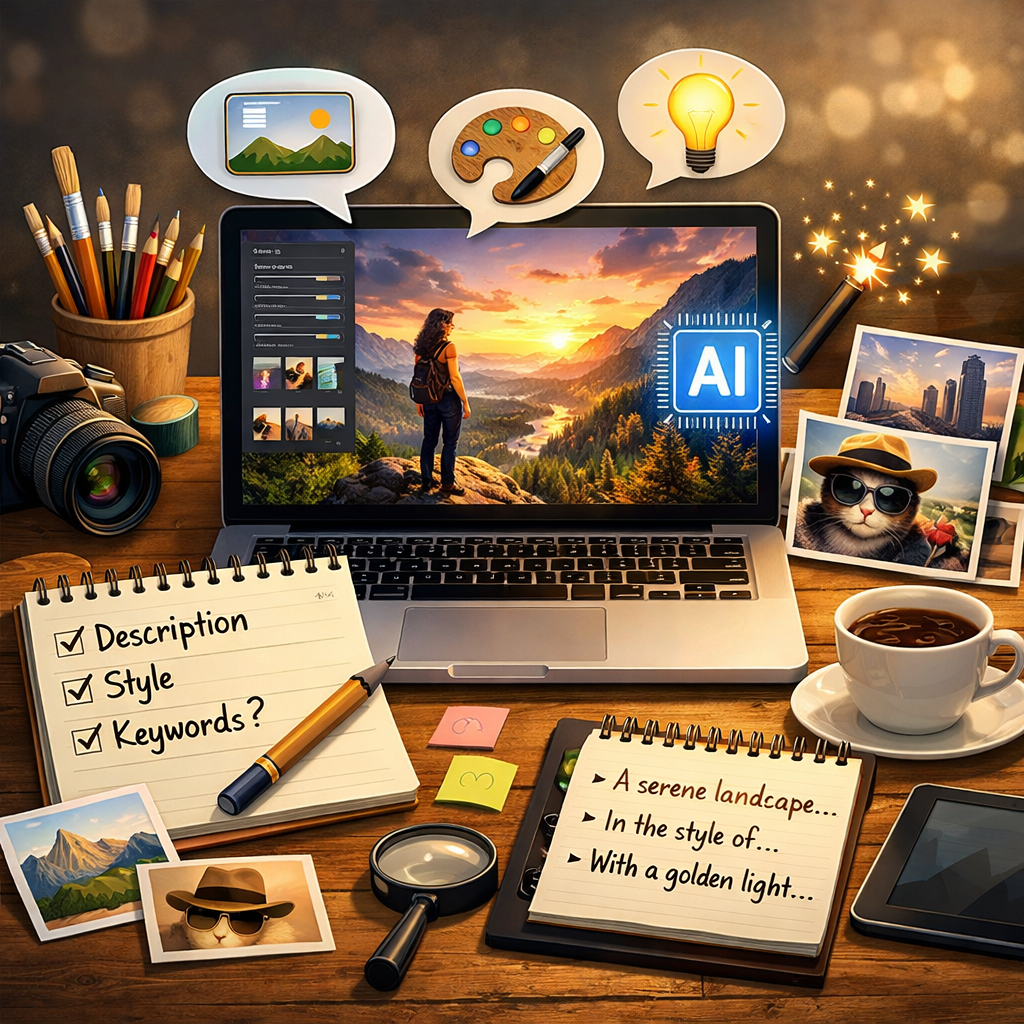
Why prompts matter in AI image generation
AI image generation turns written instructions into visual results, so the prompt is the main way users control what the model produces. Even when two prompts describe the same subject, small changes in wording can shift the style, mood, and clarity of the image. A good prompt reduces uncertainty by telling the AI what the main subject is, what the scene should look like, and which details must be visible. This is especially useful when you want a specific result, such as a product mockup, a social media graphic, or a background illustration for a website. Prompts also help avoid common problems like missing objects, confusing composition, or an image that looks too generic. Clear instructions about lighting, viewpoint, and environment can make an image feel more realistic, more artistic, or more consistent with a brand. At the same time, prompts should stay simple and focused. Overloading a prompt with too many competing ideas can cause the AI to blend concepts in unexpected ways. The best approach is to decide what matters most, write that clearly, and then refine based on the output. On an AI image tool that supports both generating and editing, prompts can also be used for targeted changes, such as adjusting a background, improving colors, or changing an element while keeping the rest of the image the same.
The building blocks of a strong prompt
Most high-quality prompts follow a similar structure: subject, context, style, and technical cues. Start with the subject in plain language, such as “a modern living room” or “a close-up portrait of a golden retriever.” Add context by describing the setting and the key actions or relationships in the scene, such as “sunlight through large windows” or “standing in a city street at night.” Style cues guide the overall look, and can be as broad as “photorealistic” or “illustration,” or more specific, such as “soft pastel colors” or “high contrast dramatic lighting.” Technical cues are simple descriptions that help composition, for example “wide angle,” “shallow depth of field,” or “centered composition.” If the tool supports it, include what you do not want to see in the image, such as “no text” or “no watermark,” to reduce unwanted artifacts. When editing an existing image with AI, prompts work best when they refer to the change and the intended outcome, such as “replace the background with a clean white studio backdrop” or “make the sky look like golden hour with warm tones.” Keep wording consistent and avoid mixing incompatible directions like “minimalist” and “highly detailed” unless you explain how they should coexist. If the first result is close but not perfect, refine one element at a time rather than rewriting everything at once.

Practical prompt ideas for common image goals
Different use cases benefit from different prompt details. For product-style images, clarity and cleanliness matter, so prompts that emphasize a simple background, controlled lighting, and realistic materials tend to work well. For example, describing “soft studio lighting” and “sharp focus” can help produce a polished look. For marketing visuals, it helps to include the intended mood, such as “friendly and bright” or “luxury and elegant,” and to describe color themes that match a brand. For portraits, prompts often improve when they include age range, expression, and lighting, such as “natural skin texture” and “soft window light.” For landscapes and travel imagery, time of day and weather are strong controls, such as “misty morning” or “clear sunset sky.” If your goal is a creative illustration, style cues become more important, such as “storybook style” or “minimal flat design.” When you need a consistent series of images, reuse a stable base prompt and only change the variable details, such as the product color or the background scene. For edits, describe what should stay the same, such as “keep the person’s face unchanged,” and what should be changed, such as “change the outfit to a navy blazer.” This kind of direction can support faster, more predictable iterations as you generate multiple options and compare them.
How to refine prompts for better results over time
Prompting is an iterative process, and small improvements add up quickly. After each generation, review the image like a checklist: is the subject correct, is the composition clear, do the colors and lighting match the goal, and are there any unwanted elements? Then adjust the prompt based on what you see. If the image looks too busy, reduce the number of objects and simplify the background. If the subject is not prominent, specify “single subject” or “foreground focus,” and describe the viewpoint more clearly. If style is inconsistent, strengthen the style cues and remove competing words. When editing, be direct about the change and avoid vague instructions like “make it better.” Instead, specify measurable outcomes such as “increase brightness slightly,” “reduce shadows,” or “make the background blur stronger.” Consistency also improves when you keep a personal library of prompts that worked well for your typical needs, such as profile images, banners, thumbnails, or product shots. Over time, you can build templates and swap in the key variables. This approach complements AI image generation and AI image editing workflows because it shortens the time between idea and usable result, while still giving you control over quality. By focusing on clear subjects, relevant scene details, and a stable style direction, prompts become a reliable tool for creating images that fit real projects.